IRS Free File: How Eligible Taxpayers Can Prepare Returns Online
Anúncios
Filing your federal tax return does not have to mean paying for software or visiting a tax office. For many people, IRS Free File offers a simple way to prepare and submit a return online at no cost. If you meet the income requirements, this program can help you file accurately, claim credits you qualify for, and avoid unnecessary filing fees.
For taxpayers who want an affordable, secure way to handle tax season, IRS Free File can be a practical option. It is especially useful for W-2 workers, retirees, students, and families with straightforward returns. In this guide, you will learn how IRS Free File works, who qualifies, how to use it, and what to watch for before you submit.
Anúncios
What Is IRS Free File?
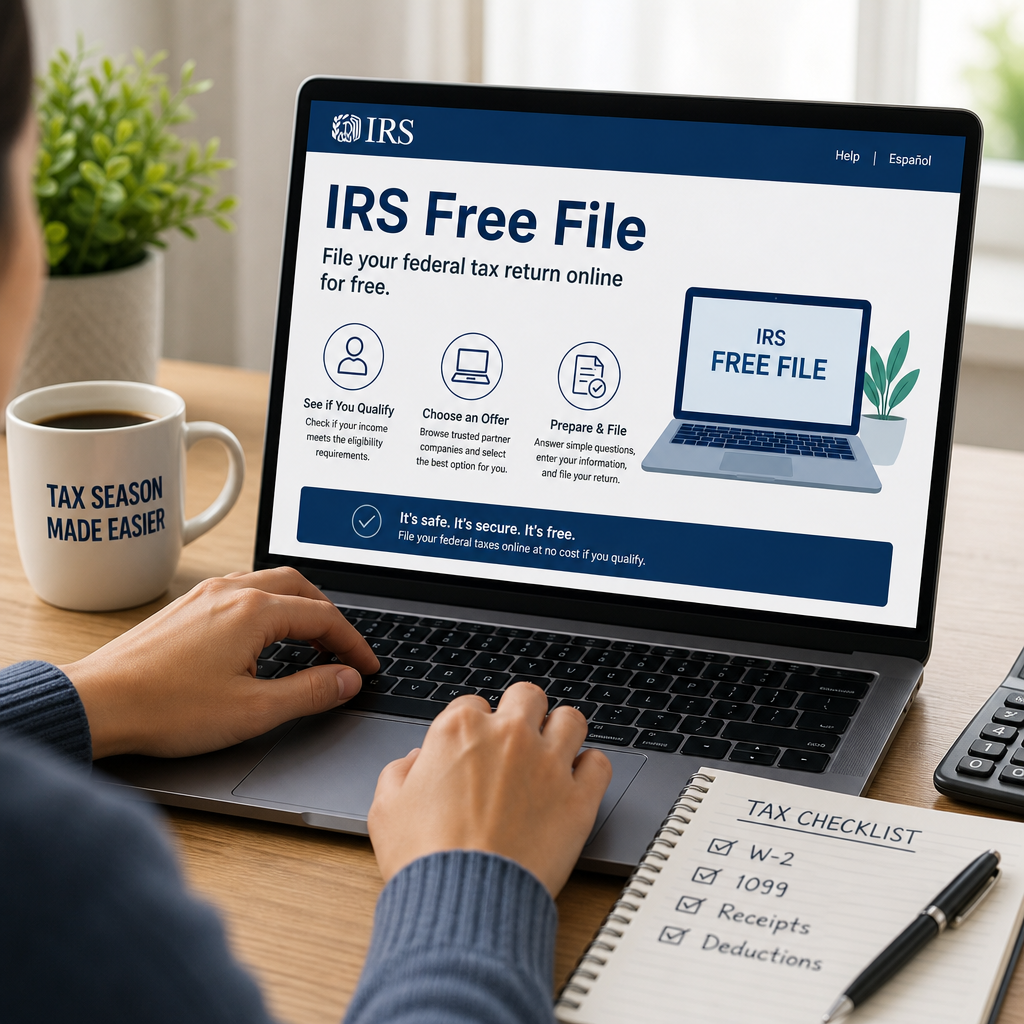
IRS Free File is a public-private program that lets eligible taxpayers prepare and e-file their federal tax returns for free using partner software providers. The IRS works with trusted tax software companies to offer guided preparation tools for people who meet certain income limits.
There are two main ways taxpayers use the program:
Anúncios
- Guided Tax Software: The provider asks you questions and fills out the return for you.
- Free File Fillable Forms: An electronic version of paper tax forms for people comfortable preparing their own return.
The program is designed to make online tax preparation accessible while reducing filing costs. It is available through the IRS website and should be accessed there to ensure you use official provider links.
Who Qualifies for IRS Free File?
Eligibility for IRS Free File depends mainly on your adjusted gross income, or AGI, which is the number used by the IRS to determine qualification for each tax year.
In general, if your AGI falls below the program’s annual threshold, you may qualify for one or more partner offers. The exact income limit can change from year to year, so it is important to check the current IRS guidance before you start.
You may also qualify based on age, military status, state residency, or whether you need help with specific tax situations. Some offers may be available for:
- Single filers
- Married couples filing jointly
- Families with children
- Students
- Military members
- Retirees
Important qualification notes
Before you begin, review these points:
- AGI limits vary by provider. Different companies may set different eligibility rules within the IRS Free File program.
- State returns may not be free. Many offers include only the federal return.
- Complex tax situations may not qualify. Business income, rental income, or certain investment activity may limit your options.
- You must start through the IRS Free File site. Going directly to a company’s website may lead to a paid product instead of a free offer.
How IRS Free File Works
The process is straightforward, but following each step carefully helps you avoid mistakes and choose the right offer.
1. Start on the official IRS Free File page
Go to the IRS Free File page from the IRS website. This ensures you see the official partner offers and can compare options based on income, state availability, and tax situation.
2. Compare available offers
Each provider lists eligibility requirements. Some offer free federal filing only for those under a specific AGI limit, while others may offer free filing for a broader range of taxpayers through the Fillable Forms option.
Look for details such as:
- Maximum AGI allowed
- Whether state filing is included
- Age restrictions, if any
- Support for dependents, credits, or multiple W-2s
3. Choose a provider that fits your situation
Pick the provider that matches your needs. If your return is simple, a guided software option may be easiest. If you already know how to complete tax forms, Free File Fillable Forms may be enough.
4. Create your account and gather documents
Before entering information, gather your tax documents, such as:
- W-2s
- 1099 forms
- Social Security numbers for yourself and dependents
- Bank account information for direct deposit
- Records for deductible expenses or credits
Having everything ready makes the process faster and reduces errors.
5. Enter your information carefully
The software will walk you through questions about income, deductions, and credits. Answer honestly and review each screen before moving on. Even small mistakes can delay your refund or trigger IRS follow-up.
6. Review and submit your return
Before filing, read through the return line by line if possible. Confirm your bank account number, mailing address, dependent information, and tax year. Once you are satisfied, submit the return electronically.
Benefits of Using IRS Free File
For many taxpayers, IRS Free File offers a strong mix of convenience and savings.
No-cost federal filing
The biggest benefit is obvious: eligible taxpayers can file a federal return without paying software fees. That can be especially helpful for families or individuals on a tight budget.
Convenient online preparation
You can complete your return from home on your own schedule. There is no need to print forms, mail paperwork, or wait in long lines.
Built-in guidance
Many partner products ask simple questions and guide you through the return step by step. This can make filing less intimidating, especially for first-time filers.
Faster refund processing
If you e-file and choose direct deposit, the IRS typically processes returns faster than paper filings. While exact timing varies, electronic filing is generally the quickest route.
Better accuracy
Tax software can reduce common math errors and flag missing information. That does not replace careful review, but it can help prevent avoidable mistakes.
IRS Free File vs. Free File Fillable Forms
These two options are often confused, but they serve different needs.
Guided Free File software
This option is best for taxpayers who want help answering questions and completing their return. The software does most of the work and is often easier for beginners.
Good for:
- Simple W-2 returns
- Taxpayers claiming common credits
- People who want step-by-step help
Free File Fillable Forms
This option is closer to digital paper forms. It is free, but it offers little guidance. You are responsible for knowing which lines to complete and how to calculate amounts.
Good for:
- Taxpayers comfortable with tax forms
- People with straightforward returns who do not need much help
- Filers who want a free electronic form but do not qualify for guided software
If you are unsure which to choose, guided software is usually the better starting point.
What Tax Situations May Be Supported?
IRS Free File providers vary, so supported tax situations depend on the company you choose. Many offers cover common filing needs, including:
- W-2 wages
- Standard deduction
- Earned Income Tax Credit
- Child Tax Credit
- Retirement income
- Unemployment compensation
- Student tax situations
However, some situations may require a paid product or a different filing method. Be sure to check the provider’s eligibility rules before entering all your information.
Common situations to double-check
You may need a different option if you have:
- Self-employment income
- Rental property income
- Complex investments
- Foreign income
- Multiple state returns
- Business deductions
If your return is more complicated, review the software’s limitations before committing your time to one provider.
Tips for Filing Accurately with IRS Free File
A free filing option is useful only if your return is correct. A few simple habits can help.
Use your tax documents, not guesswork
Do not estimate wages, withholding, or dependent details. Wait for official forms and enter the numbers exactly as shown.
Match names and Social Security numbers carefully
The IRS checks identifying information against its records. A typo can delay processing or reject the return.
Review dependents and credits
Many taxpayers miss credits because they overlook eligibility rules. Make sure you understand whether you qualify for:
- Earned Income Tax Credit
- Child Tax Credit
- Education credits
- Saver’s Credit
Choose direct deposit
If you are expecting a refund, direct deposit is usually faster and safer than a paper check. Make sure the bank account and routing numbers are correct.
Save a copy of the return
Keep a copy of your filed return and confirmation of submission for your records. You may need it when preparing next year’s taxes, applying for loans, or verifying income.
When IRS Free File May Not Be the Best Option
IRS Free File is a strong choice for many taxpayers, but not everyone will benefit from it.
You may want another filing method if:
- Your income exceeds the program limits
- Your return includes a business, rental, or investment complexity
- You need extensive state return support
- You prefer in-person tax assistance
- You are not comfortable using online tools
In those cases, tax professional support, IRS Direct File where available, or another free filing program may be more appropriate.
How to Avoid Scams and Unofficial Websites
Tax season attracts fraudsters. To protect yourself, use caution when searching online for IRS Free File.
Follow these safety steps
- Start at the official IRS website
- Avoid clicking paid ads that mimic official tax filing pages
- Check that the website belongs to a known provider listed by the IRS
- Never share login details or personal data through suspicious emails or texts
- Look for secure website indicators, such as HTTPS
The IRS will not ask for sensitive information through random messages or social media links. If something looks off, stop and verify it through an official source.
Frequently Asked Questions
1. Is IRS Free File really free?
Yes, for eligible taxpayers, IRS Free File can be free for federal tax preparation and e-filing. However, some providers may charge for state returns or optional add-on services, so always read the offer details before you begin.
2. How do I know if I qualify for IRS Free File?
Qualification is usually based on adjusted gross income and the provider’s rules. The best way to check is to visit the official IRS Free File page and review the offers available for your income level and tax situation.
3. Can I file a state return with IRS Free File?
Sometimes, but not always. Some providers include state filing for free, while others charge separately or do not support it. Check the offer carefully before starting your return.
4. What if I make a mistake after filing?
If you discover an error after submitting your return, you may need to file an amended return. The IRS provides guidance on when and how to correct a federal tax return, depending on the type of mistake.
5. Is IRS Free File safe to use?
Yes, when you use the official IRS Free File program and trusted partner links, it is designed to be secure. As with any online service, use strong passwords, avoid public Wi-Fi when entering sensitive information, and keep your documents private.
Official Resources
- IRS Free File
- IRS Free File Providers and Offers
- IRS Filing Your Taxes
- IRS Topic No. 153, Free File
- Consumer Financial Protection Bureau: Tips for Safe Tax Filing
Conclusion
For eligible taxpayers, IRS Free File offers one of the simplest ways to prepare and submit a federal return online without paying for software. It can save money, reduce filing stress, and help you complete your taxes from home with guided support or fillable forms. The key is to start at the official IRS website, review each provider’s eligibility rules, and choose the option that matches your income and tax situation.
If your return is straightforward, IRS Free File may be all you need to file accurately and on time. If your tax situation is more complex, it is still worth comparing the program’s offers before deciding on another filing method. Either way, preparing early, gathering your documents, and reviewing your return carefully will make tax season smoother.
A little preparation goes a long way. By understanding how IRS Free File works and using it correctly, you can file with more confidence and keep more of your refund where it belongs.